Cloudflared
What Is Cloudflared Tunnel?
- creates a secure outbound connection from your server to Cloudflare’s edge network
- Instead of allowing traffic to reach your server directly, your server connects outward to Cloudflare
- Cloudflare then routes HTTPS requests through this tunnel to your local service
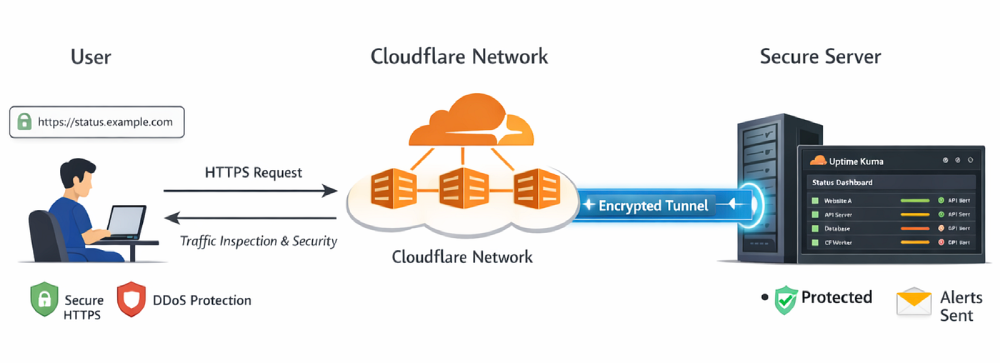
Step 1:Create a tunnel
- Cloudflare Dashboard > Zero Trust > Networks > Connectors > Tunnel > Create
- Give your tunnel a descriptive name (e.g., tunnel-to-mac) and click Save
- Choose your operating system (Windows, macOS, Linux, or Docker) and copy command block
- run the command on your server
~% brew install cloudflare/cloudflare/cloudflared
~% cloudflared service install <YOUR_SECRET_TOKEN>
- once running, the status of the tunnel changed to healthy
Step 2: Route traffic to application
- Cloudflare Dashboard > Zero Trust > Networks > Connectors > tunnel-to-mac > Published application routes > Add
- subdomain: status
- domain: example.com
- service type: http
- service url: localhost:3000